One timeline. Room for every layer.
Get FrameNova
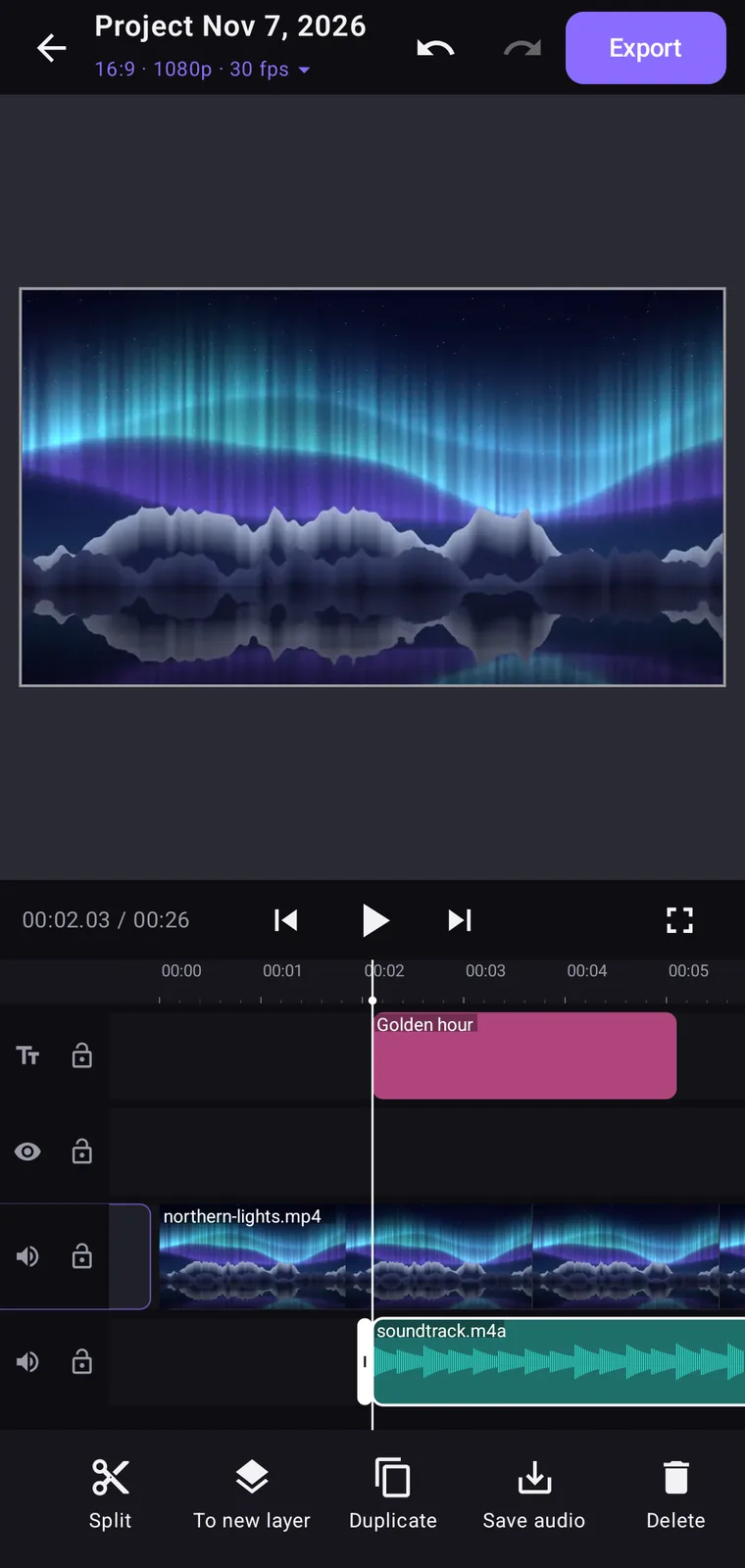
Go on, press Split.
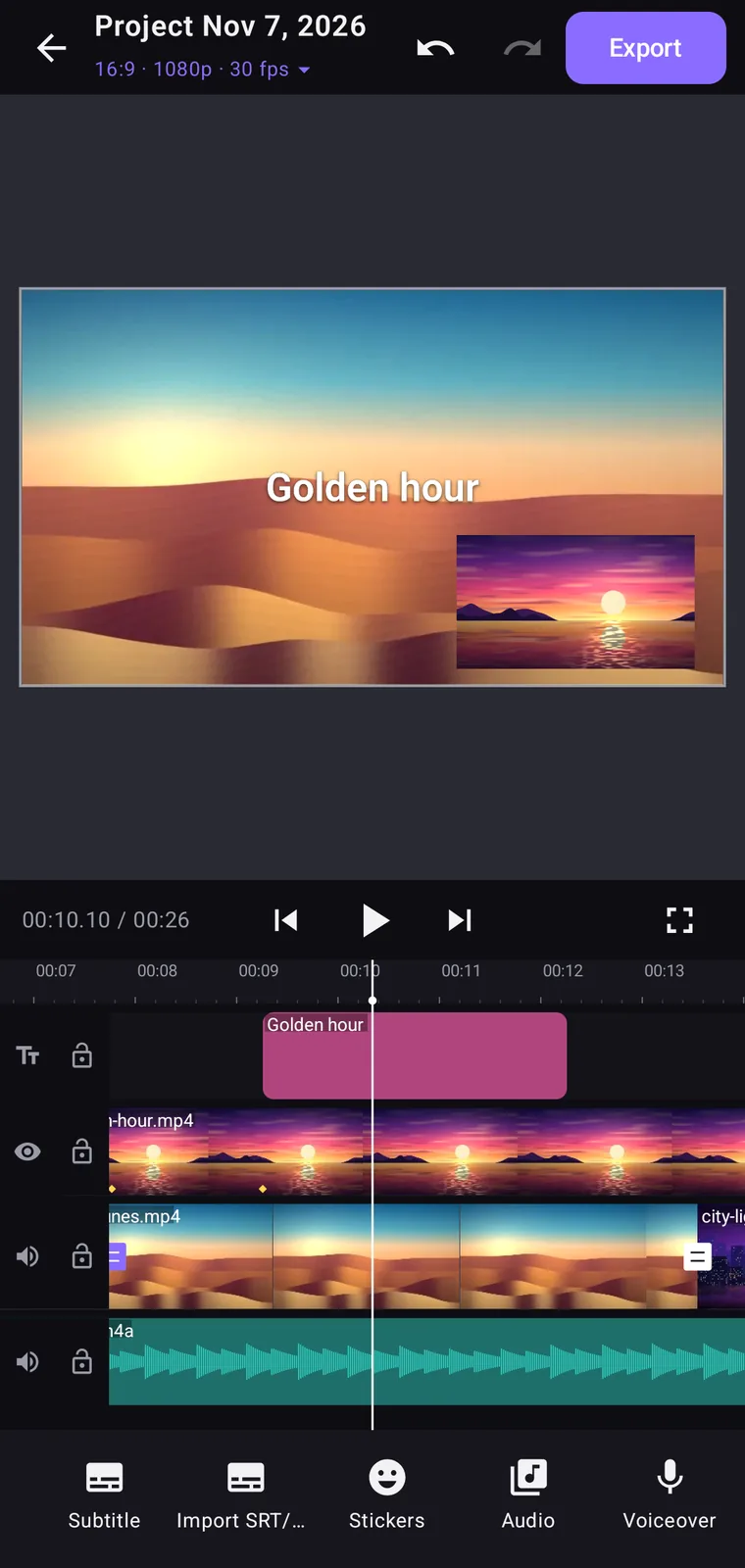
A working demo of the Mac app's workspace, running in your browser with sample clips.
The whole editor in your pocket.
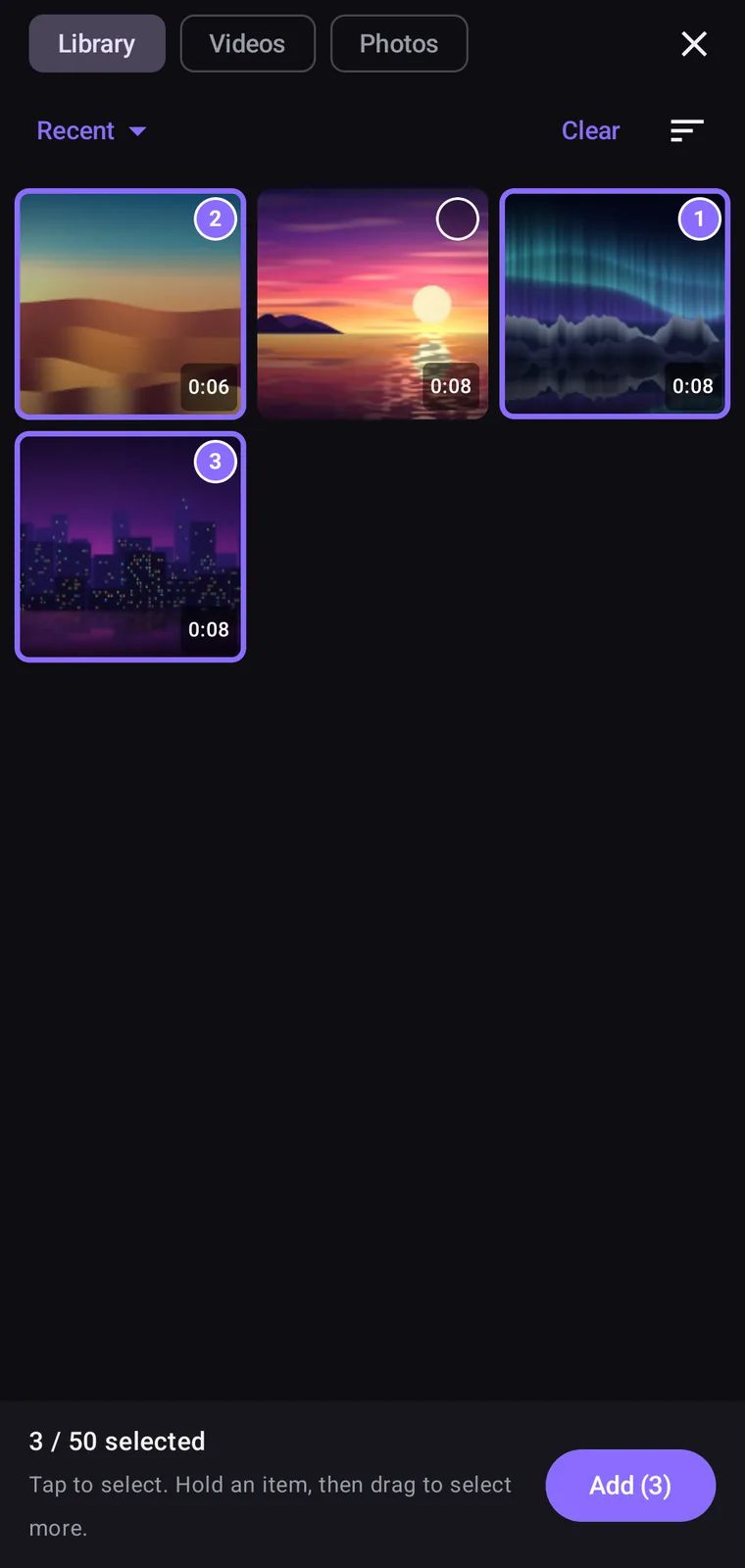
- library
Pick clips in order.
Tap to number them, up to 50 at a time.
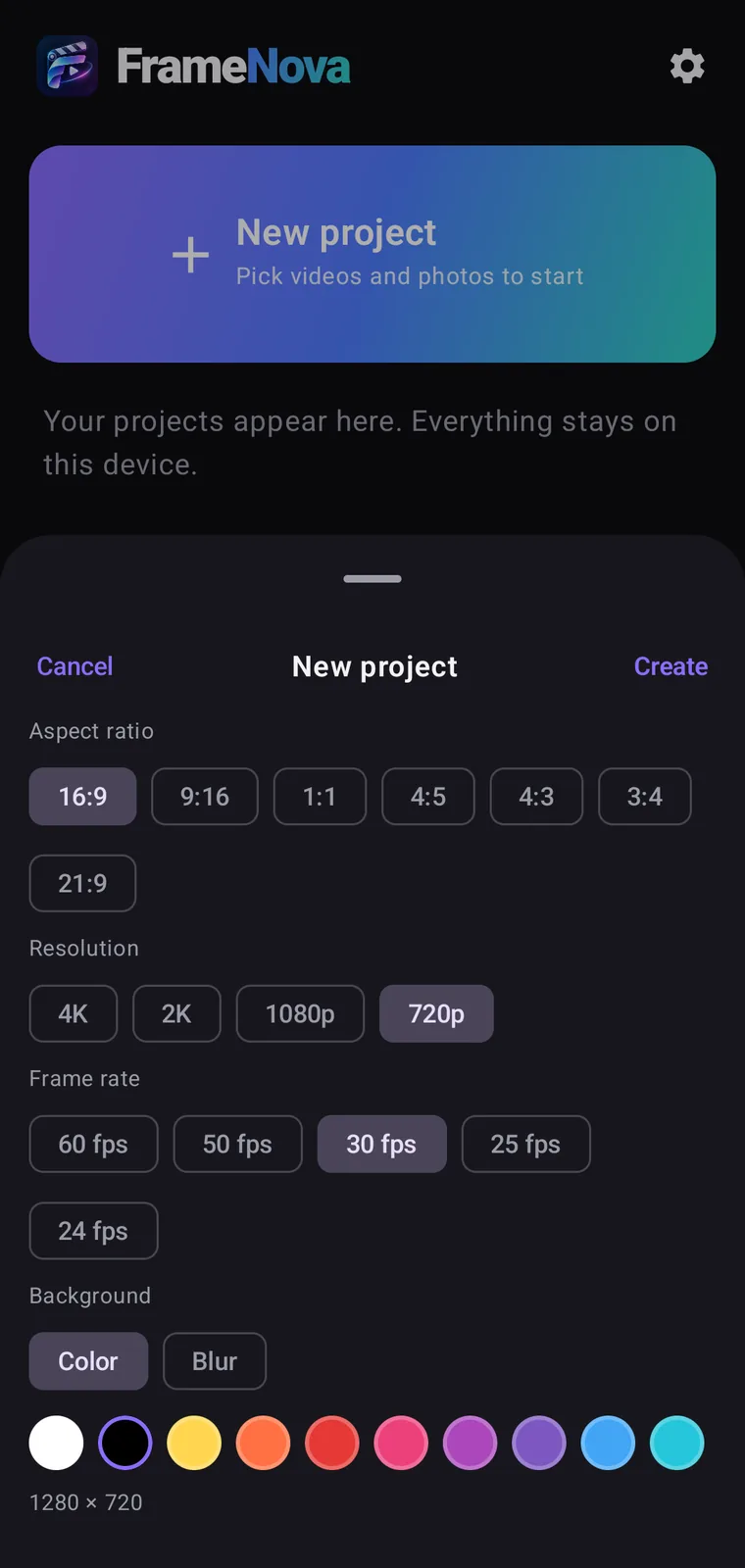
- new-project
Start from the right format.
Suggested from your first clip.
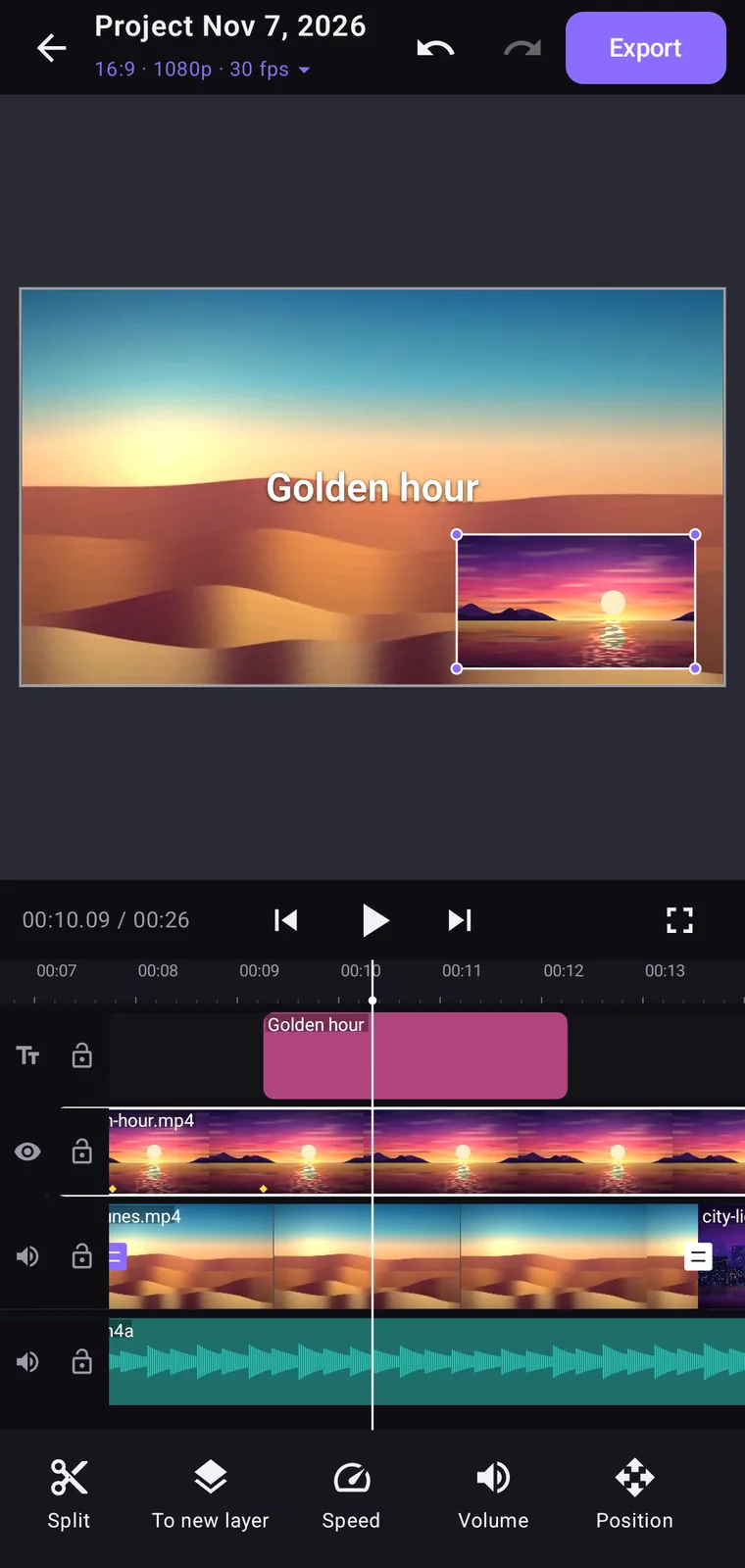
- add-layer
Stack a layer.
Drag, scale and keyframe it on the preview.
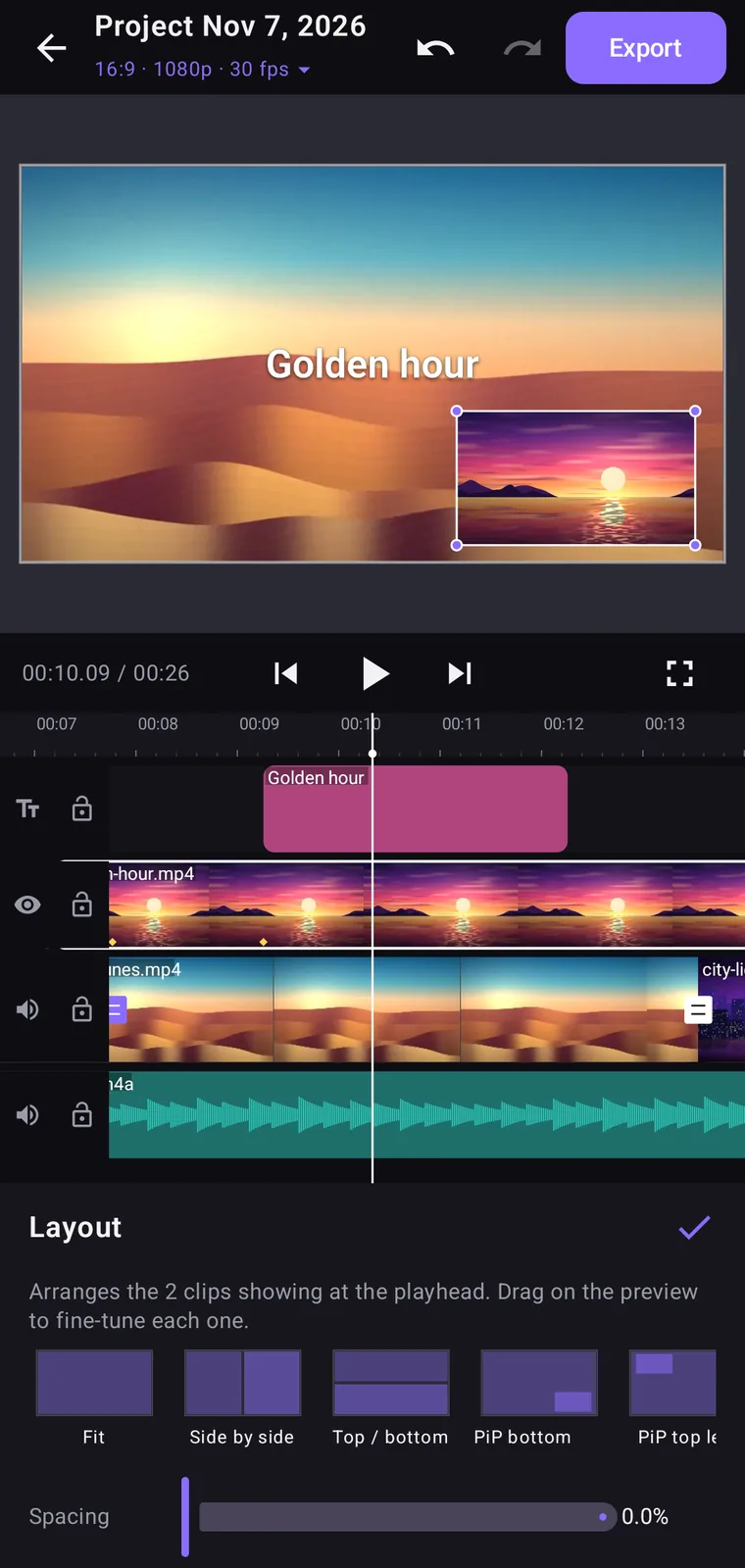
- layout
Arrange it.
Side by side, stacked, picture-in-picture and more.
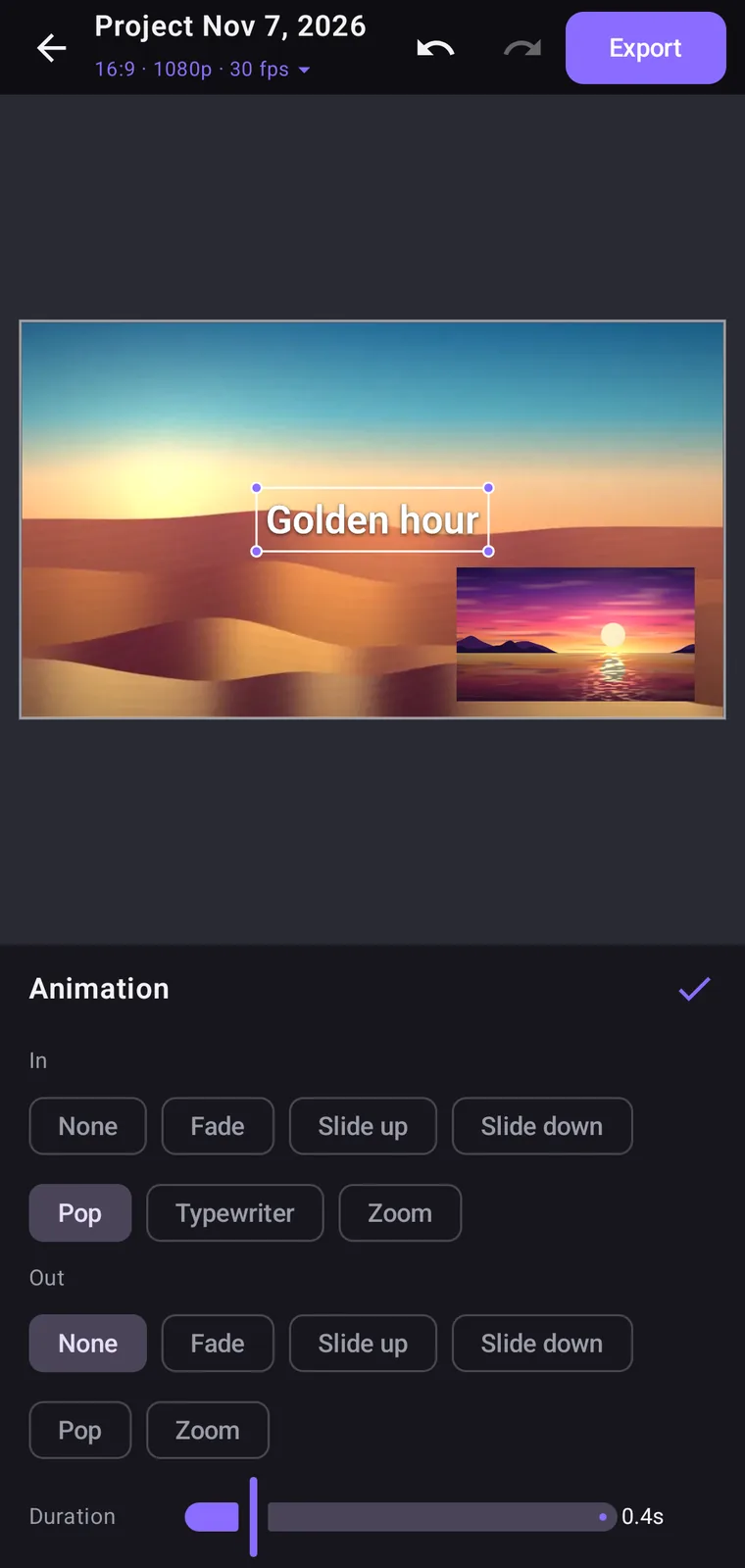
- text
Title it.
Fonts, styles, and animation in and out.
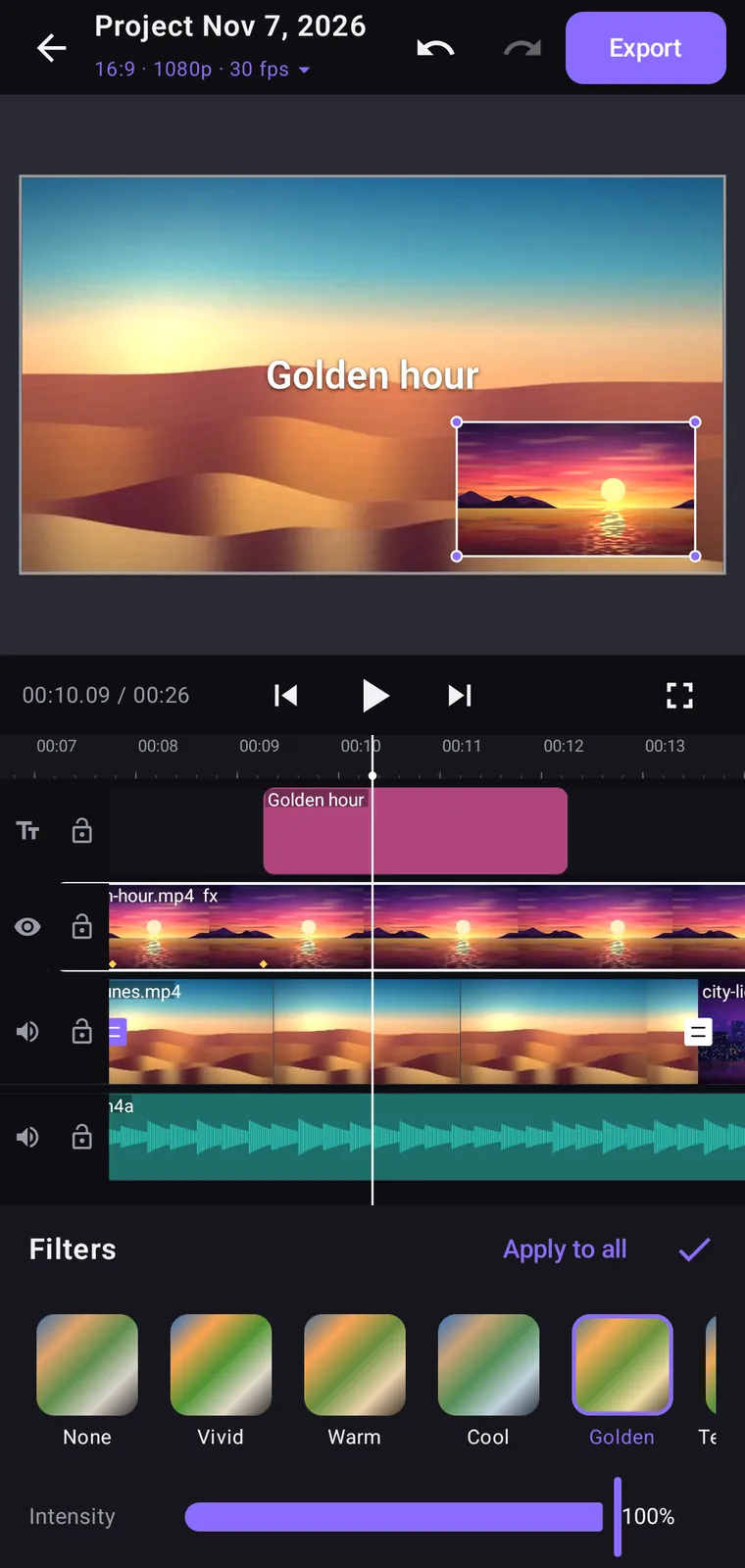
- filters
Grade it.
16 filters with intensity, plus fine adjustments.
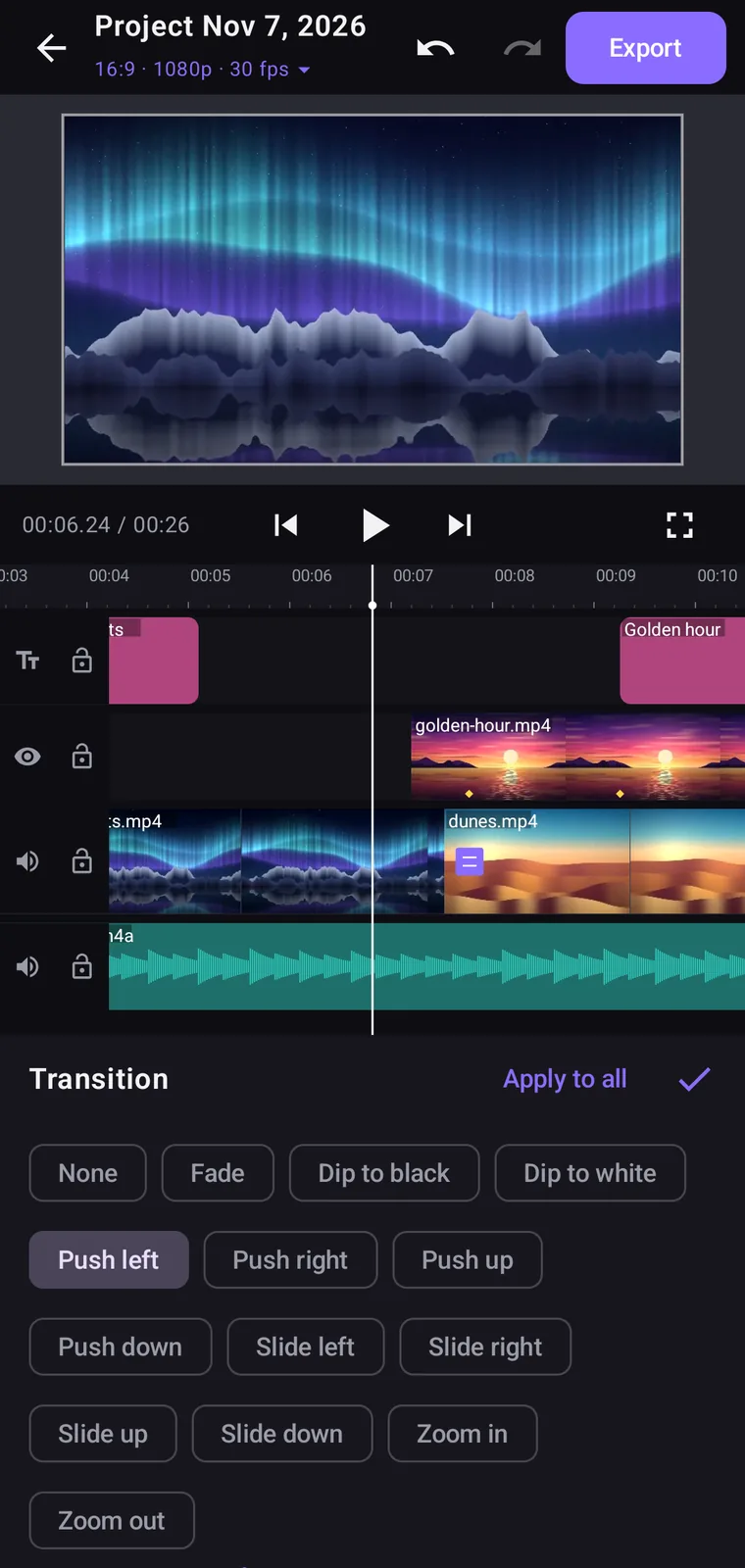
- transition
Join the cuts.
13 transitions, one tap away.
- soundtrack.m4a
Lay in the sound.
Music, voiceover, and speed from 0.25× to 4×.
- export
Export.
Up to 4K and 60 fps, with a size estimate first.
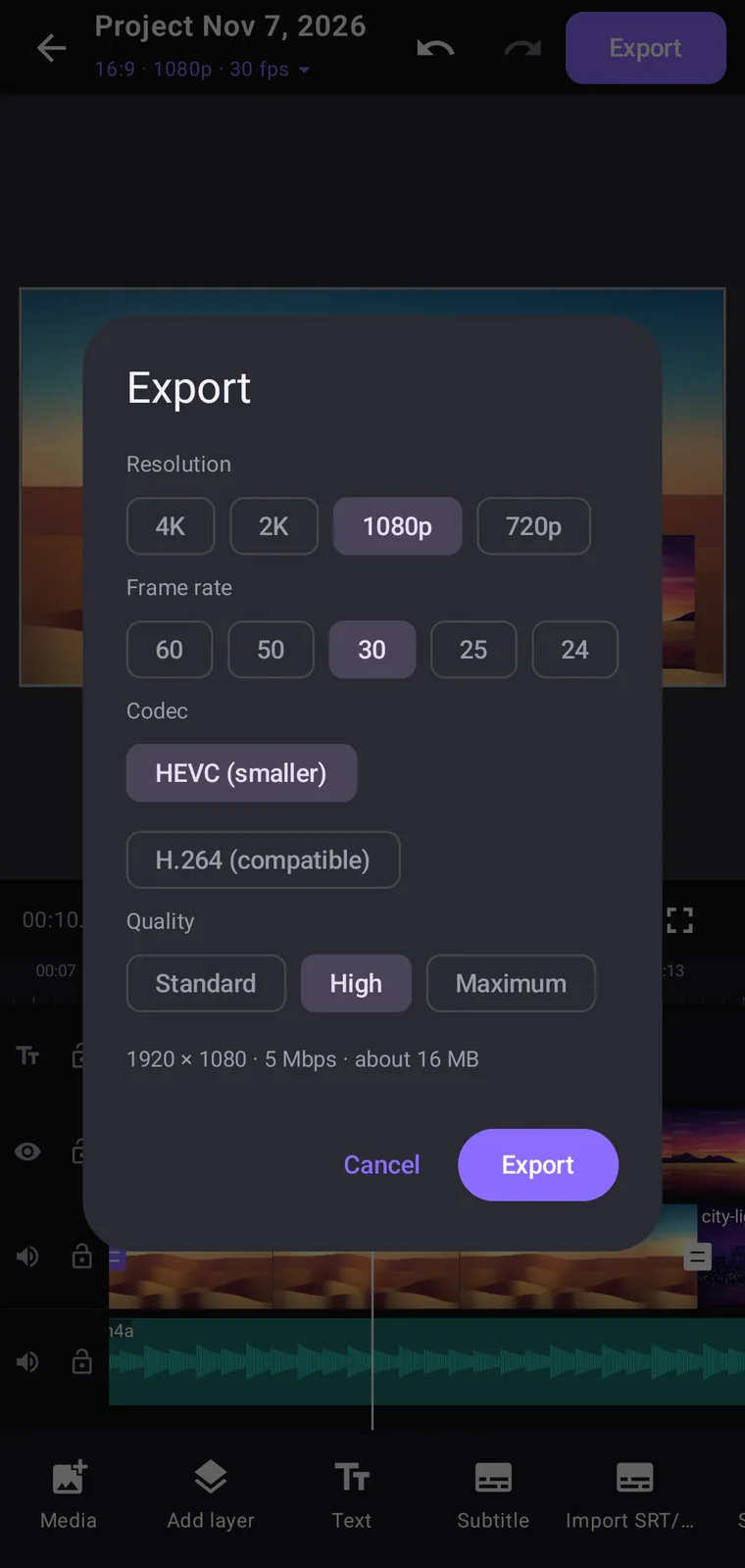
Real screens from the Android app, with sample clips. iPhone and iPad share this editor.
Your timeline stays where you put it.
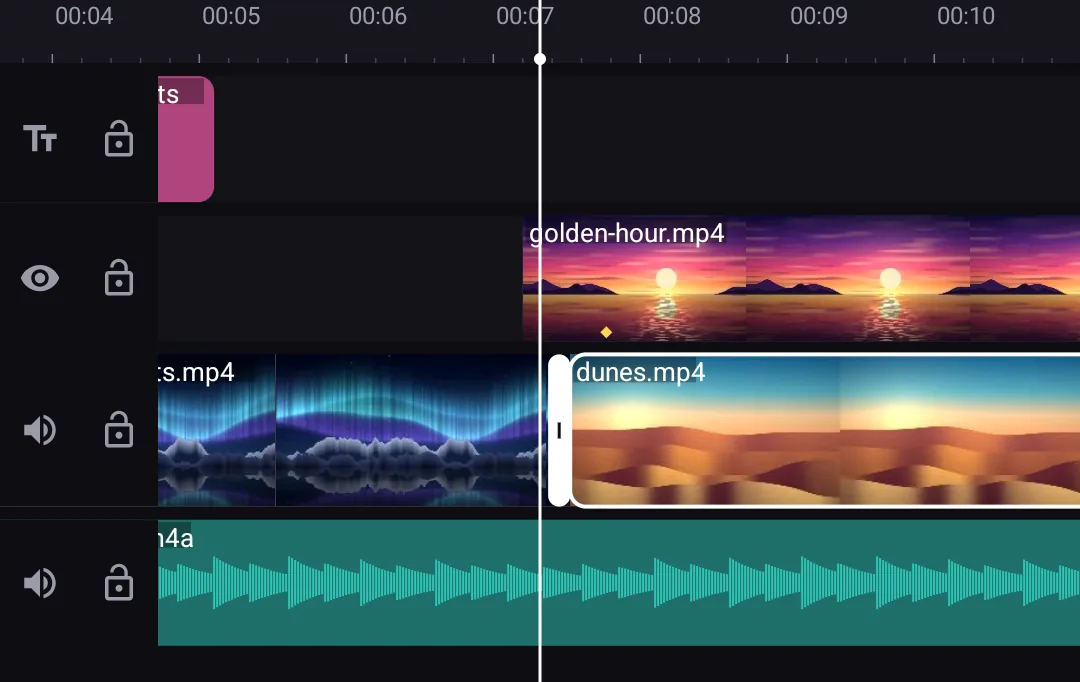
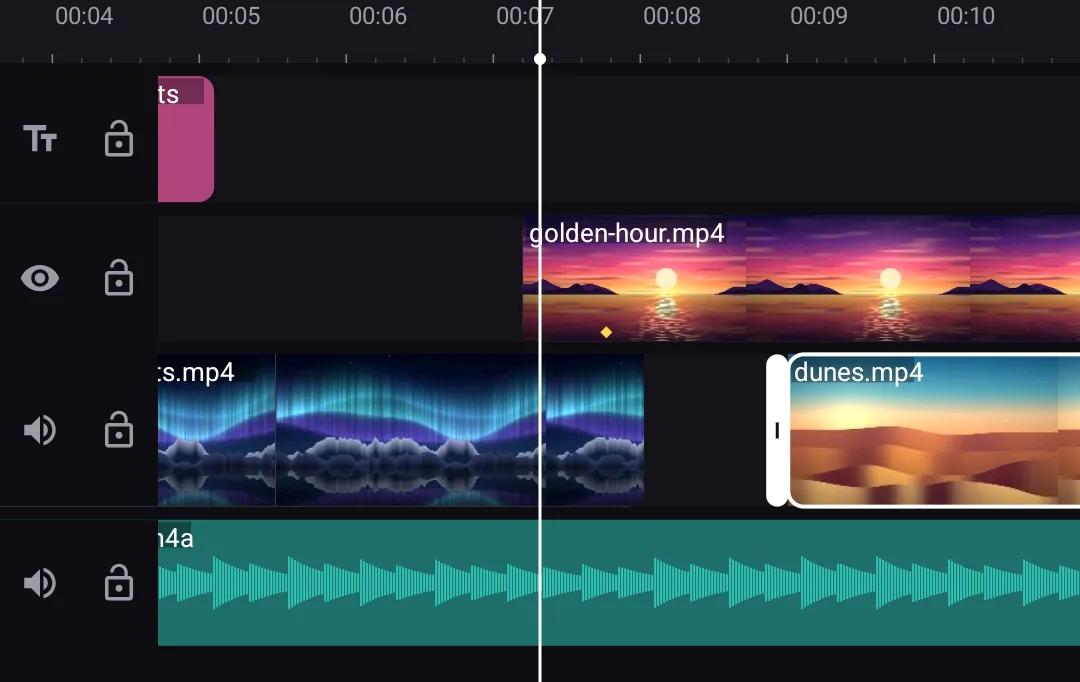
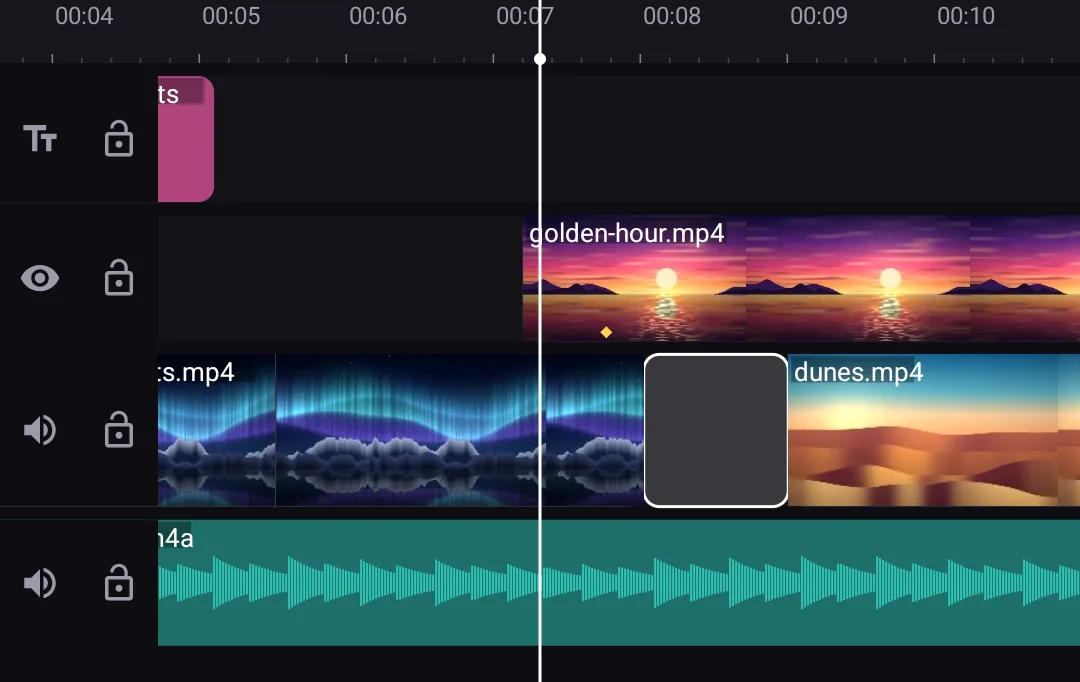
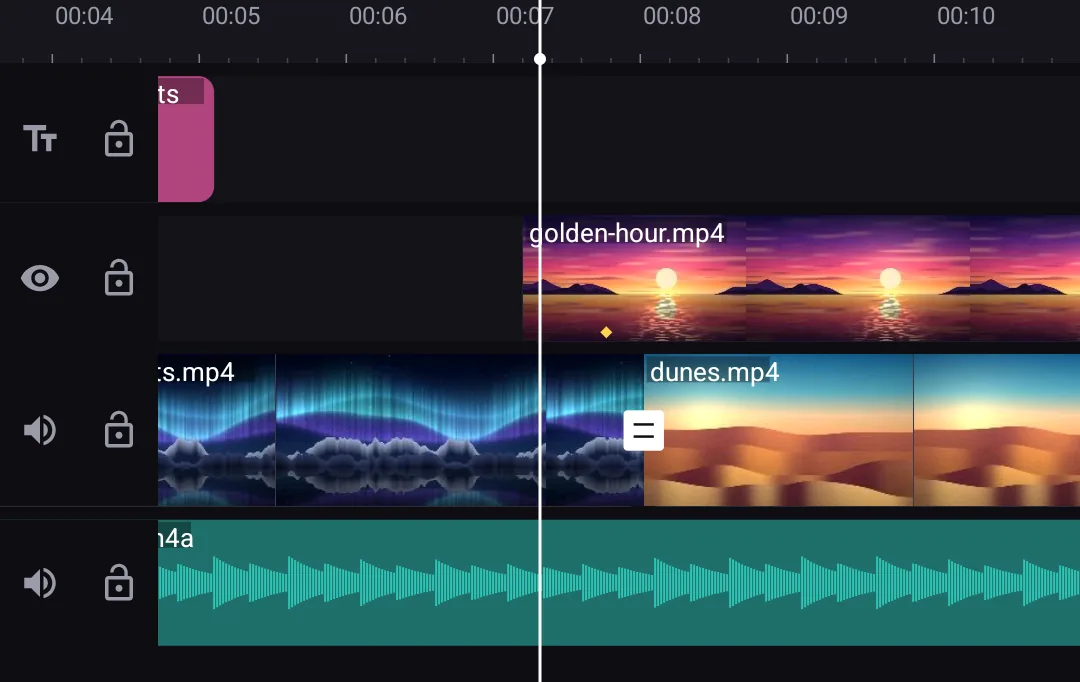
- Everything in place.
- Trim a clip. The gap stays.
- Tap the gap.
- Delete it when you choose.
Room to work on iPad.
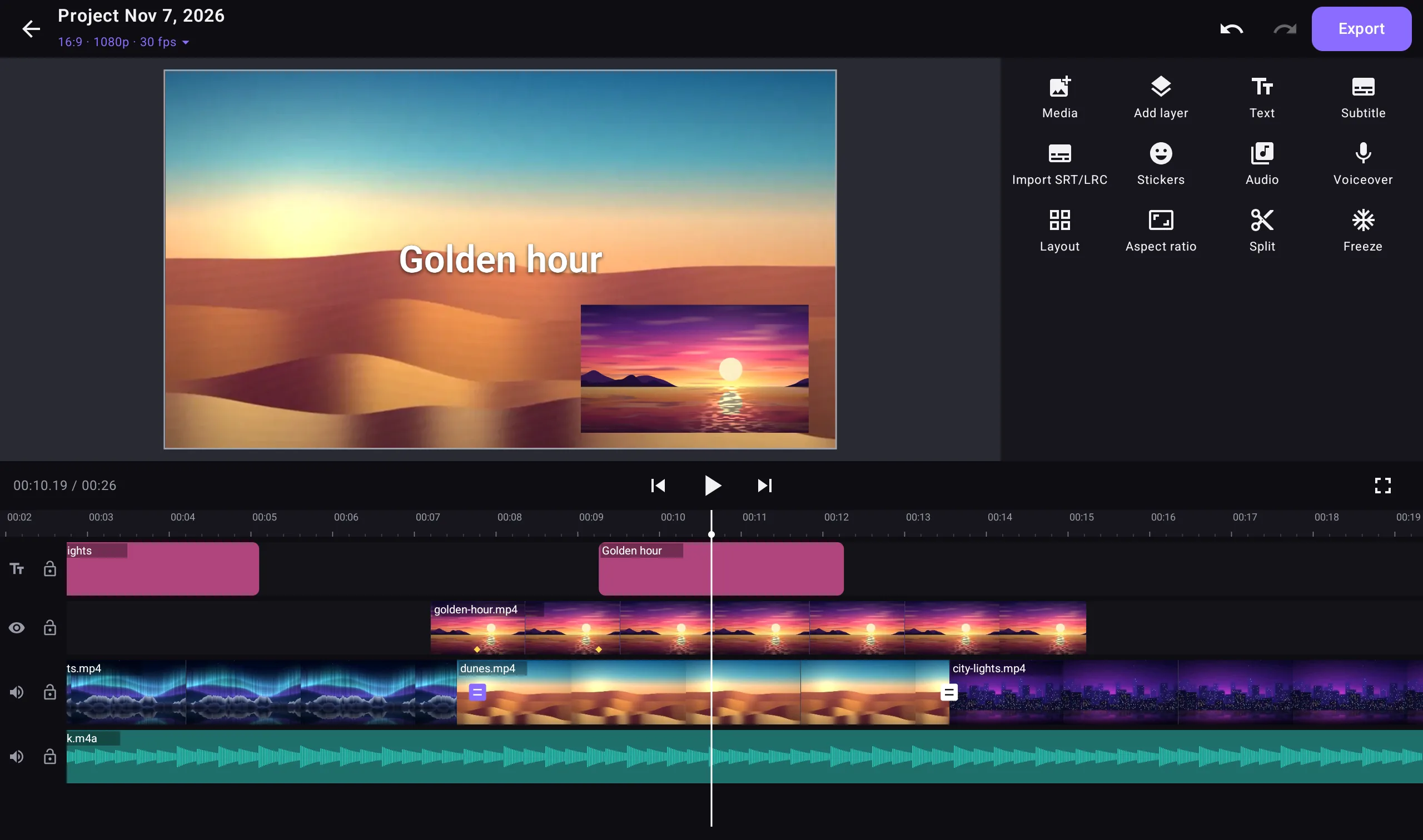
- MacmacOS 14+, Apple silicon
- iPhone & iPadiOS and iPadOS 17+
- AndroidAndroid 10+
Everything stays on this device.